Getting clicks on your Google Ads can feel encouraging, but a high click count does not always translate into enquiries. If people are visiting your website without contacting you, booking a service or requesting a quote, there may be a gap between attracting visitors and generating leads. Understanding that gap is an important part of building an effective paid media strategy.
Clicks show that your adverts are attracting attention, but they do not tell you whether visitors are taking the action your campaign is designed to generate. When clicks and leads do not align, looking at the customer journey can help you understand what may be preventing visitors from converting.
Here are 10 things to check if your Google Ads are getting traffic but failing to generate leads.
Check Whether You’re Targeting the Right Keywords
Your keywords determine who sees your ads and what type of traffic reaches your website. If you target broad or loosely related terms, you may attract people who are interested in information rather than ready to buy.
Review your keyword list and consider the intent behind each search. Commercial keywords can often indicate stronger buying intent, while informational searches may produce clicks without enquiries.
Review Your Search Terms for Irrelevant Traffic
Your selected keywords do not always tell the full story. The actual search terms people use can reveal why your adverts are receiving clicks without generating leads.
Check your search terms report regularly and look for searches that have little connection with your service. Adding suitable negative keywords can help reduce irrelevant traffic and focus your budget on searches that are more likely to result in enquiries.
Do this first: Open your search terms report for the last 30 days and sort by cost. Anything expensive and clearly unrelated to what you sell becomes a negative keyword today.
Make Sure Your Ad Matches the Search Intent
Someone who clicks your advert should immediately understand that your business can provide what they were looking for. If the wording in your ad does not match the search, visitors may leave as soon as they reach your website.
Your headlines and descriptions should clearly communicate the service, location or benefit relevant to the search. A strong connection between the keyword, advert and landing page can also create a more consistent user experience.
Check Where Your Ads Are Sending Visitors
Sending every visitor to your homepage can make it harder for them to find what they need. A person searching for a specific service should ideally arrive on a page that directly addresses that service.
Review the destination URL for each campaign. The landing page should reflect the promise made in the advert and provide enough information for the visitor to understand what to do next.
Improve Your Landing Page Experience
Getting a click is only the first step. Once visitors reach your website, the landing page needs to give them a clear reason to continue. If it is difficult to navigate, slow to load or does not match their search, they may leave without enquiring.
Check that the page explains your service clearly, answers key questions and makes the next step easy to understand. It should also work well on mobile devices and load without unnecessary delays.
Not sure which of these is costing you leads?
Book a Strategy CallLook at Your Calls to Action
A visitor may be interested in your service but still leave if your call to action is vague, generic or poorly positioned. Even when the rest of the page is relevant, an unclear CTA can reduce the likelihood of an enquiry.
Review whether your CTA clearly communicates the action you want visitors to take and whether it stands out on the page. Keep the wording specific and relevant to your offer, and avoid using several competing CTAs that could distract visitors from the main conversion goal.
Do this first: Load your landing page on a phone and look at it for three seconds. If you cannot tell what the next step is in that time, neither can a visitor.
Check Your Lead Form or Enquiry Process
A complicated form can create unnecessary friction. If you are asking for too much information, visitors may decide that completing the form is not worth the effort.
Test your forms yourself on both desktop and mobile devices. Check that every field works, submissions are received correctly, and confirmation messages appear as expected. Also check whether phone numbers and other contact details are easy to use on mobile.
Make Sure Conversion Tracking Is Working Properly
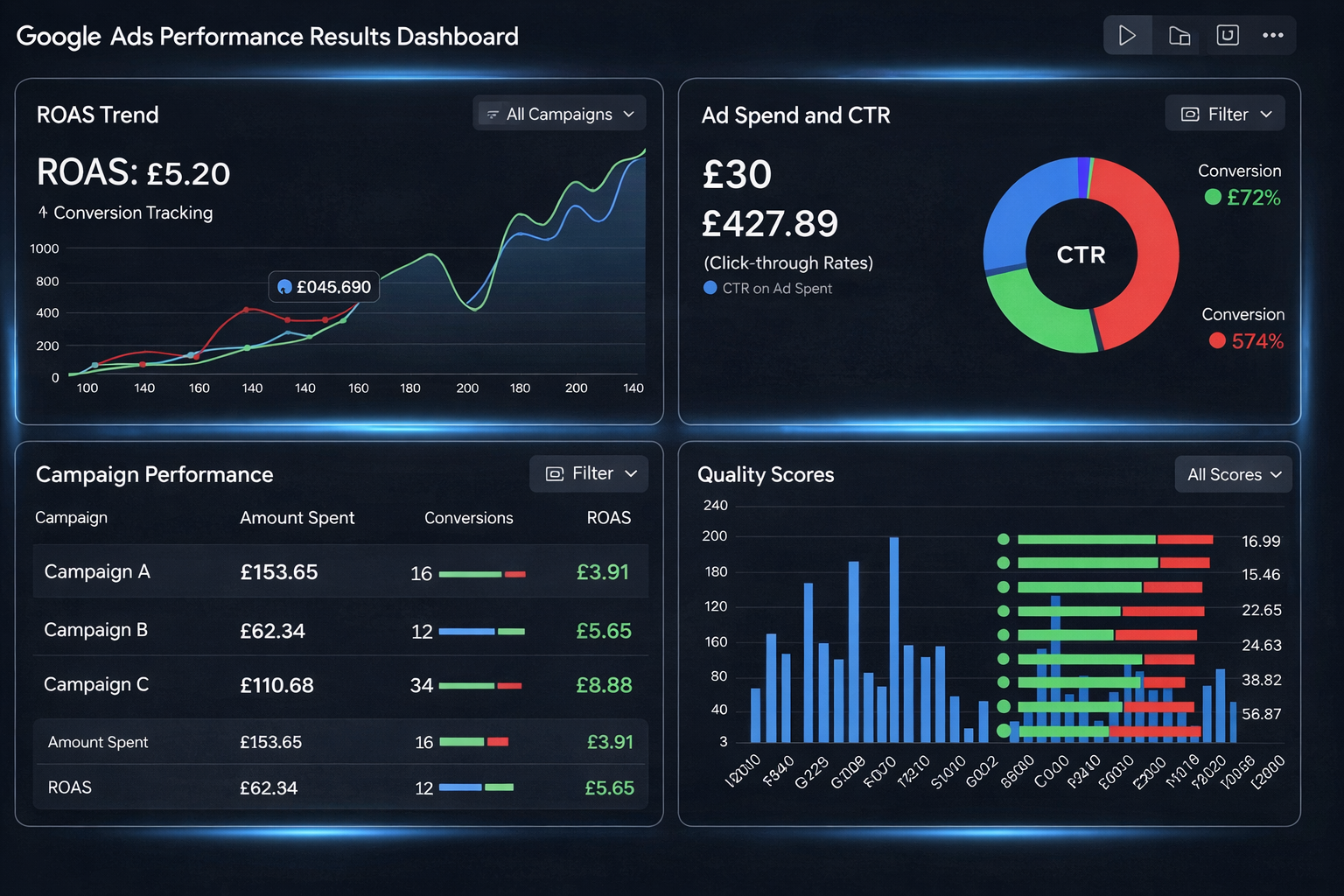
Before changing your campaigns, make sure you can trust the data. Incorrect conversion tracking can make a campaign appear to generate no leads when enquiries are actually coming through.
Check that important actions such as form submissions, phone calls and relevant bookings are being recorded correctly. Google Ads and Google Analytics should also be reviewed regularly to give you a clearer picture of how visitors behave after clicking an advert.
Do this first: Submit your own enquiry form and then check it appears as a conversion in Google Ads. If it does not, every optimisation decision you make from here is based on bad data.
Check What Happens After Someone Submits an Enquiry
Generating a lead is only one part of the process. If enquiries are not followed up promptly, potential customers may lose interest or choose another provider.
Review who receives new enquiries, how quickly they are contacted and whether any leads are being missed. Your advertising performance should be considered alongside your internal enquiry handling process.
Review Your Campaign Settings and Budget
Campaign settings can have a direct effect on the quality of your traffic. Review your location targeting, ad schedule, devices and bidding approach to see whether your budget is reaching the right audience.
It can also help to compare performance across campaigns, locations and devices. This may reveal areas that receive plenty of clicks but contribute few meaningful enquiries.
How a Paid Media Agency Can Help
When a Google Ads campaign is not producing enough leads, the challenge is often deciding which changes deserve attention first. An experienced team can bring a structured approach to campaign management, using ongoing performance trends to decide where budget should be adjusted, which opportunities are worth testing and when a campaign needs a different approach.
Working with specialists can also give you more time to focus on your business while your advertising is monitored and refined. Instead of reacting to individual changes in click volume, you can make decisions based on longer-term campaign performance and the quality of the enquiries being generated.
Turning Google Ads Clicks Into Meaningful Results
Google Ads performance should be judged by the value those clicks create for your business, not by traffic numbers alone. When clicks are not leading to enquiries, taking a step back can help you assess whether your campaign is attracting the right opportunities and supporting your wider business goals.
If you need help making sense of your results, Online Business Solutions can support you with a practical approach to paid advertising. The focus is on understanding what your campaign data is telling you and making informed decisions that can help turn advertising spend into more meaningful business outcomes.
Frequently Asked Questions
Why are my Google Ads getting clicks but no conversions?
Your keywords, search terms, advert messaging, landing page, forms or conversion tracking may need attention. Reviewing the full customer journey can help identify the problem.
How many clicks should a Google Ad get before generating a lead?
There is no fixed number because conversion rates vary by industry, audience, offer and search intent. Quality and relevance matter alongside click volume.
Why is my Google Ads campaign conversion rate so low?
A low conversion rate usually means visitors are not completing the action you want after clicking your advert. The cause can vary, so review both traffic quality and the experience visitors have after they arrive.
Should I change my keywords if my Google Ads get clicks but no leads?
You may need to refine your keywords if your search terms show irrelevant traffic. However, review the landing page, advert and tracking before making major changes.
How can I improve my Google Ads lead generation?
Focus on relevant search intent, closely matched adverts, useful landing pages, clear calls to action, simple enquiry forms and accurate conversion tracking. These elements work together to support stronger lead generation.